Build your creative business
Faceless UGC: plan, film and present work without showing your face
By UseHype · Creator guides
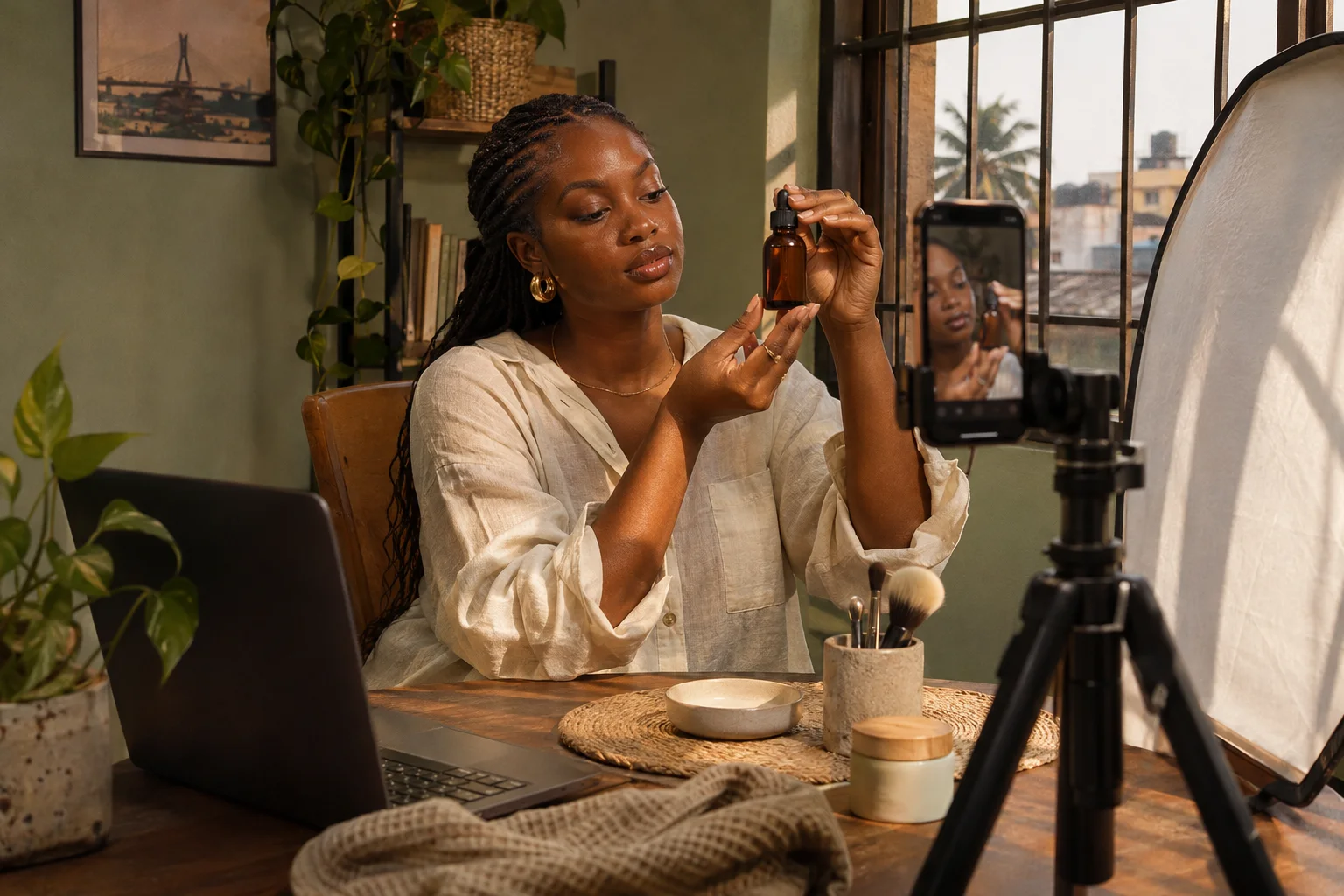
Faceless UGC keeps the product or process on screen while you contribute filming, editing, narration or demonstration. It is a production choice, not a shortcut around doing useful work. Choose a format that makes the product easier to understand.
Updated
Explore open creator opportunities · Create your portfolio
Choose the format around the question
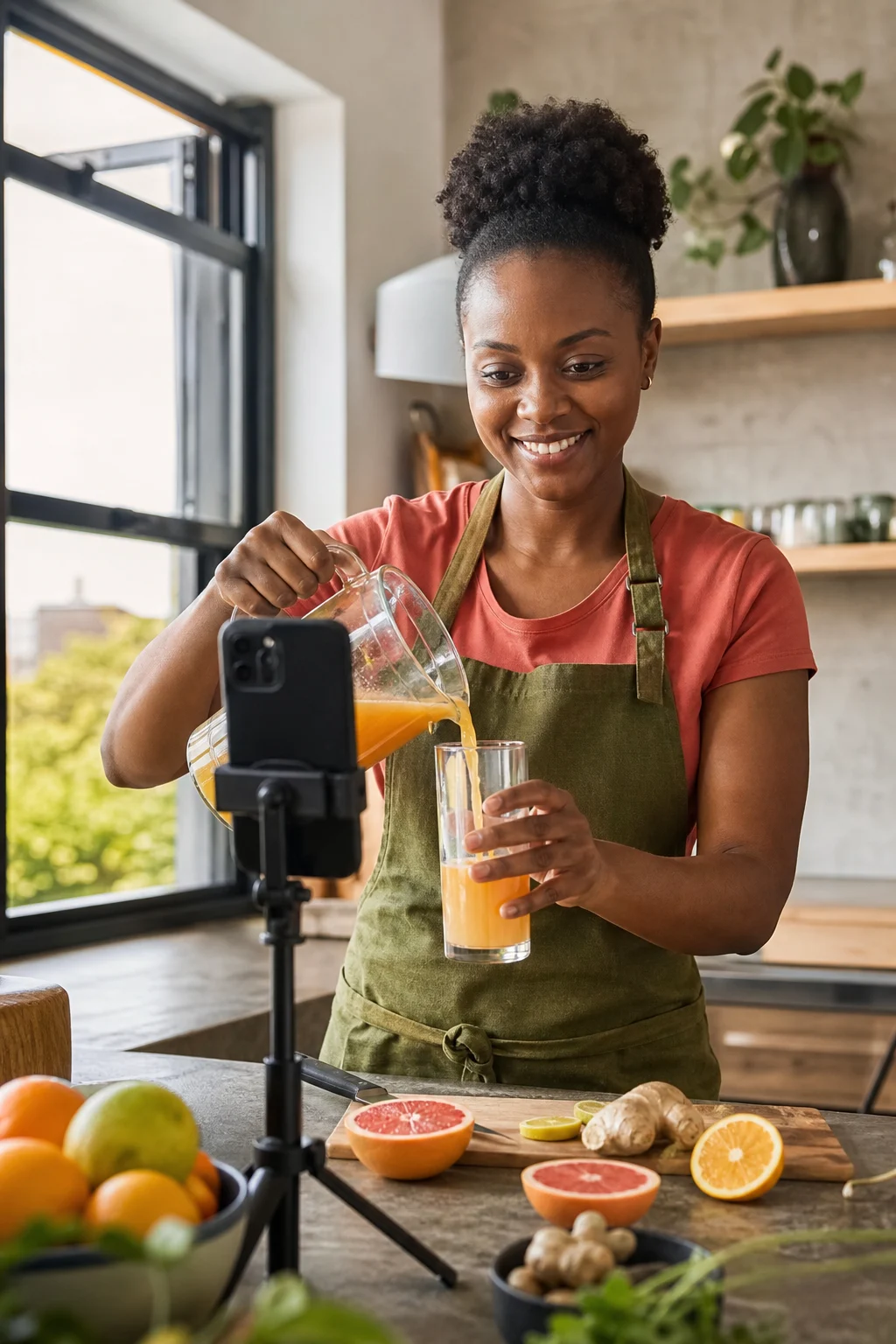
Use an overhead demonstration when viewers need to see a sequence: opening a container, assembling a tool or preparing food. Use a screen recording when the question is where to click. Use close-up photography when texture, shape or packaging is the main point.
For an unboxing, plan the outer packaging, seal, contents and first use as separate shots. An ASMR version depends on clean recorded sound. Record a short test before opening anything that cannot be reset. Avoid including private address labels in the frame.
Build a stable, repeatable setup
Place the phone on a secure stand and check the frame before handling the product. Keep overhead equipment away from edges and avoid improvised mounts above people, food or fragile items. Use a plain surface with enough contrast to distinguish your hands and the product.
Test the setup with the actual movement. A shot that looks sharp while the product is still may lose focus when you bring it closer. Mark the useful working area with removable tape outside the frame. Keep light direction consistent between takes and pause if daylight changes substantially.
Record voice and natural sound separately
Write narration after you know what the viewer will see. Say what the action helps them do, then leave space for the demonstration. For an app, read the same labels that appear on screen so the viewer can follow without guessing. Use a demo account and remove notifications, customer records and financial details before recording.
Record a short voice test in the quietest practical space. Listen with headphones for clothing rustle, room echo, traffic and clipping. Move the microphone or change the room before relying on noise removal. Heavy cleanup can damage speech as well as remove background sound.
Edit for understanding
Cut away repeated actions, but keep enough of each step for viewers to understand the process. Add captions that match the spoken words. Check the export on a phone with sound off and then with sound on. Keep important product details clear of interface overlays.
For a three-step recipe, show each ingredient being added and the resulting texture. For a software walkthrough, show the starting screen, the action and the result. These are stronger demonstrations than a sequence of attractive clips that never explains what changed.
Build a portfolio around specific services
Make separate samples for an overhead demo, a voiceover walkthrough and a product-detail sequence. Label them as self-directed where appropriate. A short caption should state your role, intended audience and the production problem you solved. Do not claim that a brand commissioned a sample simply because its packaging appears.
A useful bio might say: “Lagos-based creator making hands-only product demonstrations and English voiceovers for household brands.” Replace each detail with your own. Show enough variety to prove your offer without making the buyer search through unrelated work.
Quote the work, not whether your face appears
Price scripting, setup, filming, audio, editing, revisions and usage against the actual brief. A hands-only sequence with many resets can take longer than a simple spoken clip. Being faceless does not establish a standard discount or premium.
Confirm whether the buyer wants finished exports, raw footage, alternative hooks or still images. Define these as separate deliverables when they add work. Before starting, agree how product shipping, reshoots and changes to the approved brief will be handled.
Choose editing apps and niches by the job
CapCut, VN and similar editors are examples to evaluate, not a ranked list or a promise of current free features. Check caption accuracy, audio controls, export quality, watermarks and commercial terms in the version available to you. Try a complete sample export before moving a client project into a new tool.
Food preparation, product assembly, software walkthroughs and detail photography can all support faceless work. None is automatically a highest-paying niche. Choose a service you can demonstrate clearly, then assess real briefs and the cost of delivering them. For synthetic presenters or generated product scenes, use the separate human-versus-AI guide and avoid implying real customer experience.